New features and product enhancements
Two additions to The Buyer Listing Service on September 23rd: downloadable reports and an AI copilot.
Downloadable reports
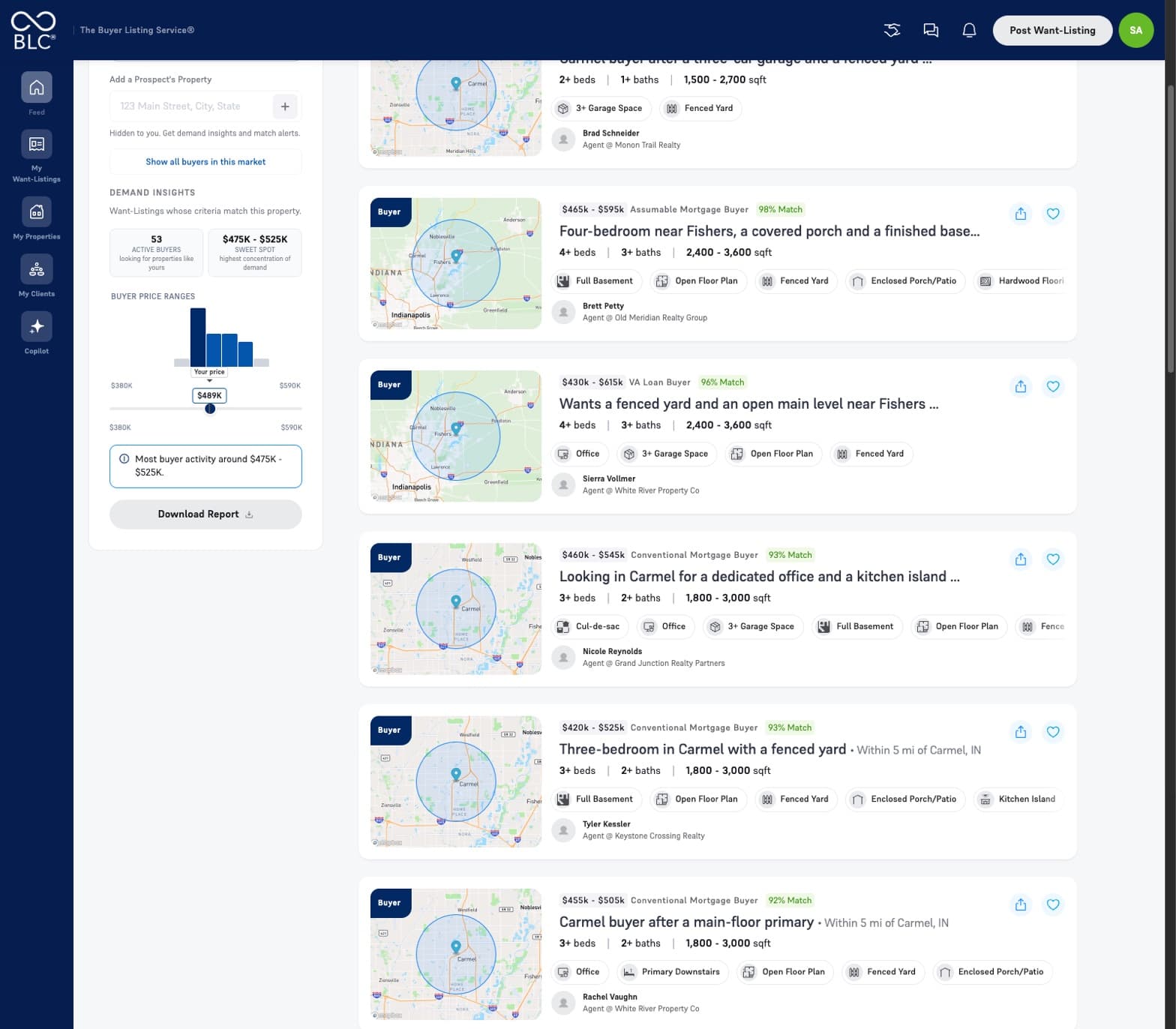
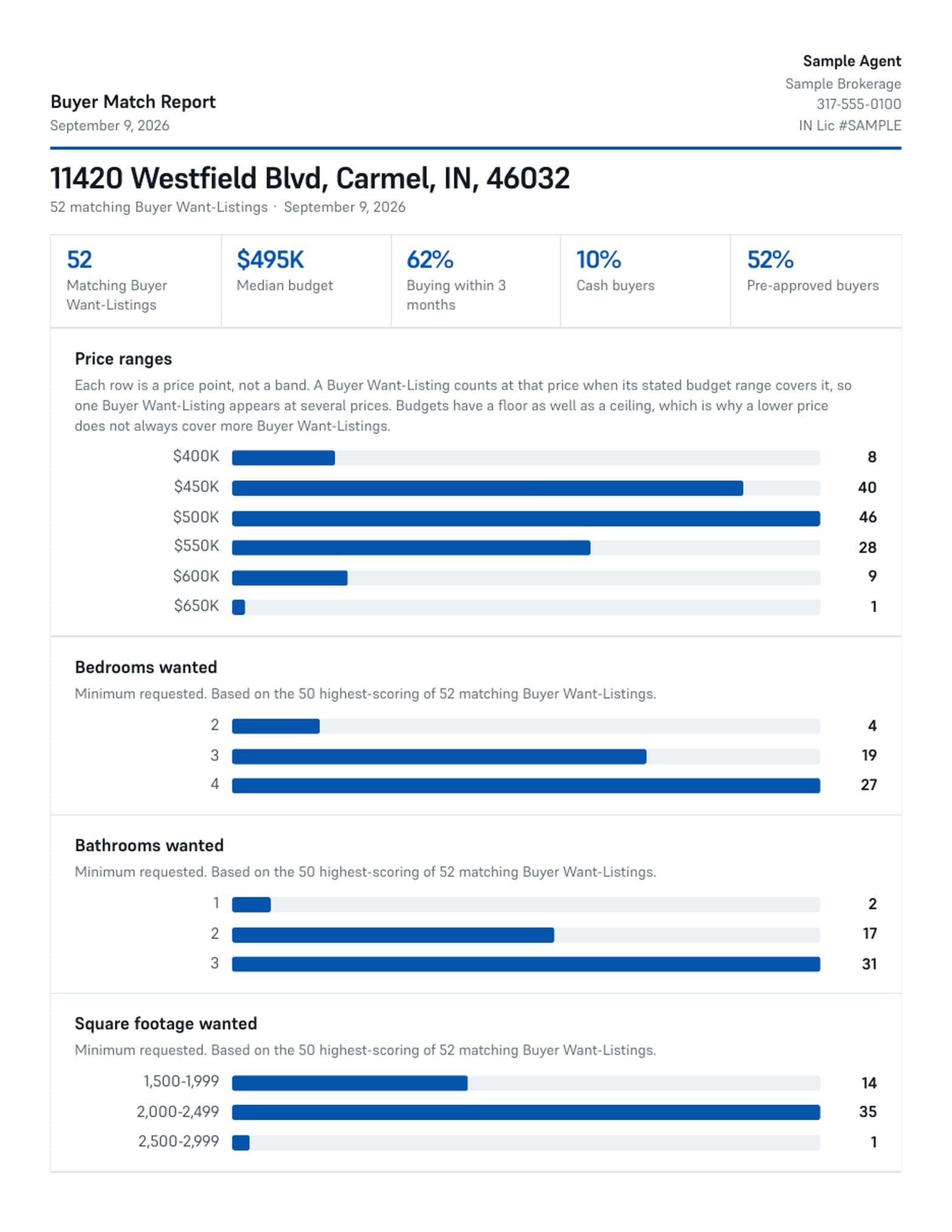
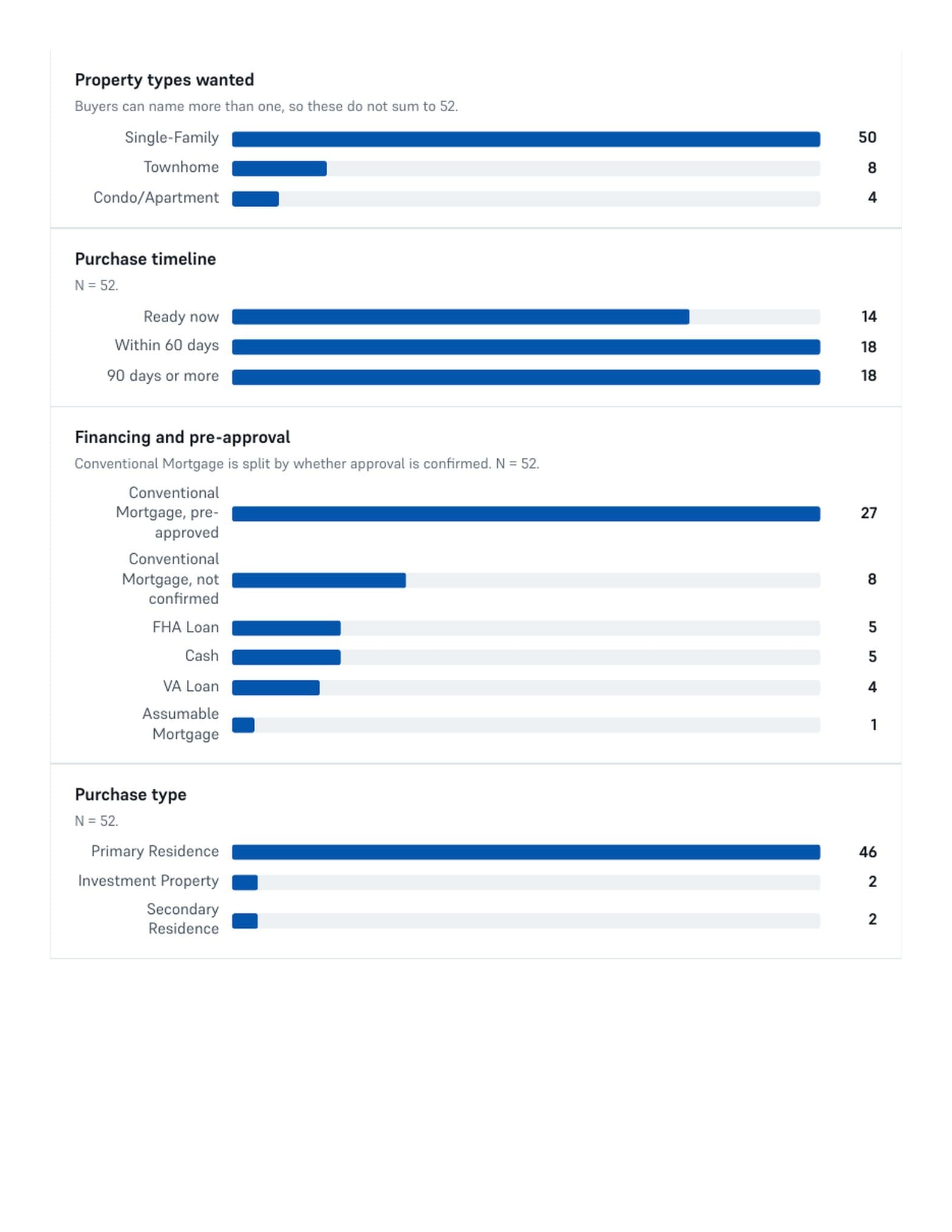
You can now download a report of the buyer demand behind any of your listings or prospect properties.
Pick a property, see the Buyer Want-Listings that match it, and save the whole set as a PDF branded to you: price ranges, bedrooms, bathrooms, square footage, property types, purchase timelines, financing, and the features those buyers ask for most.
AI copilot
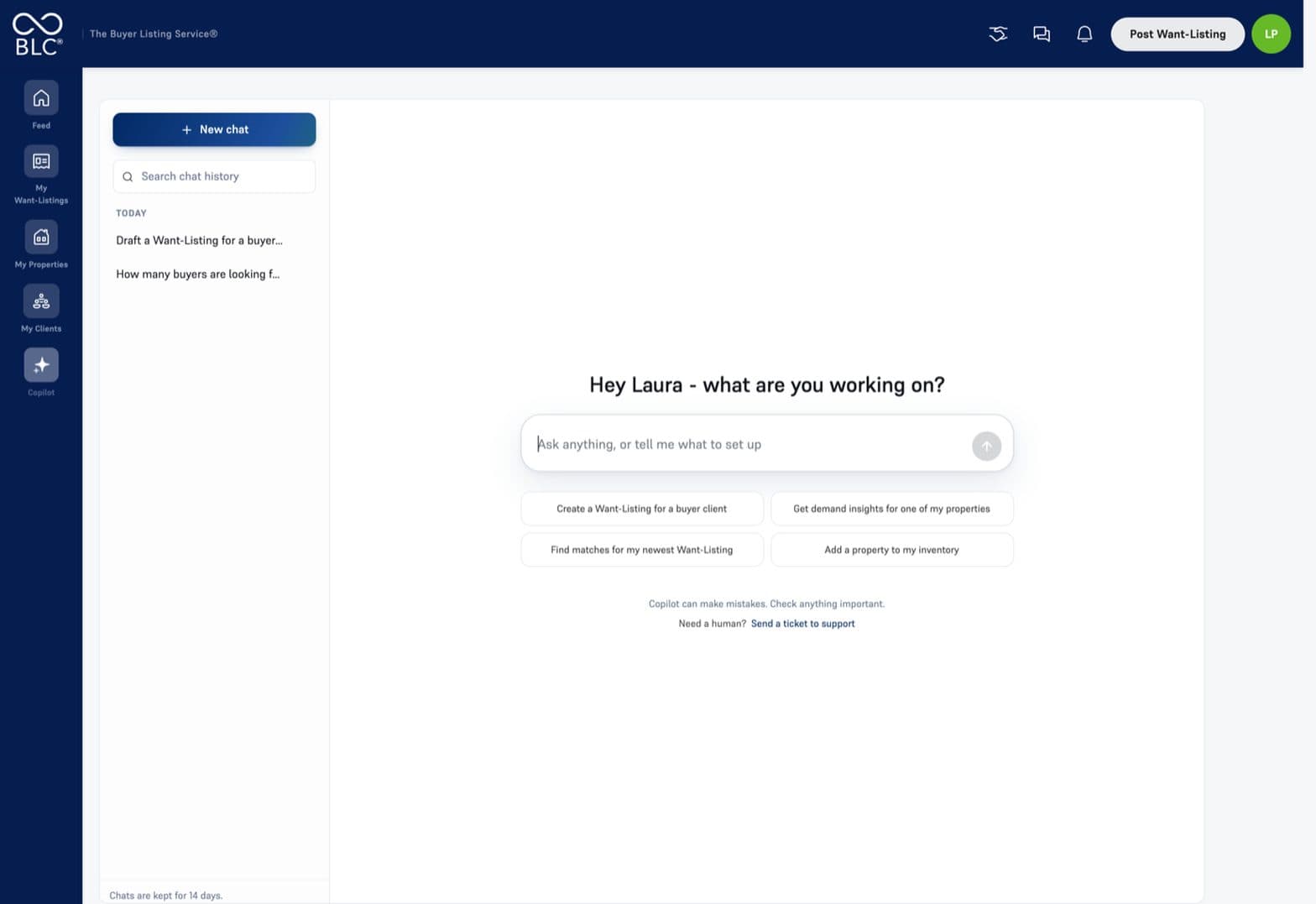
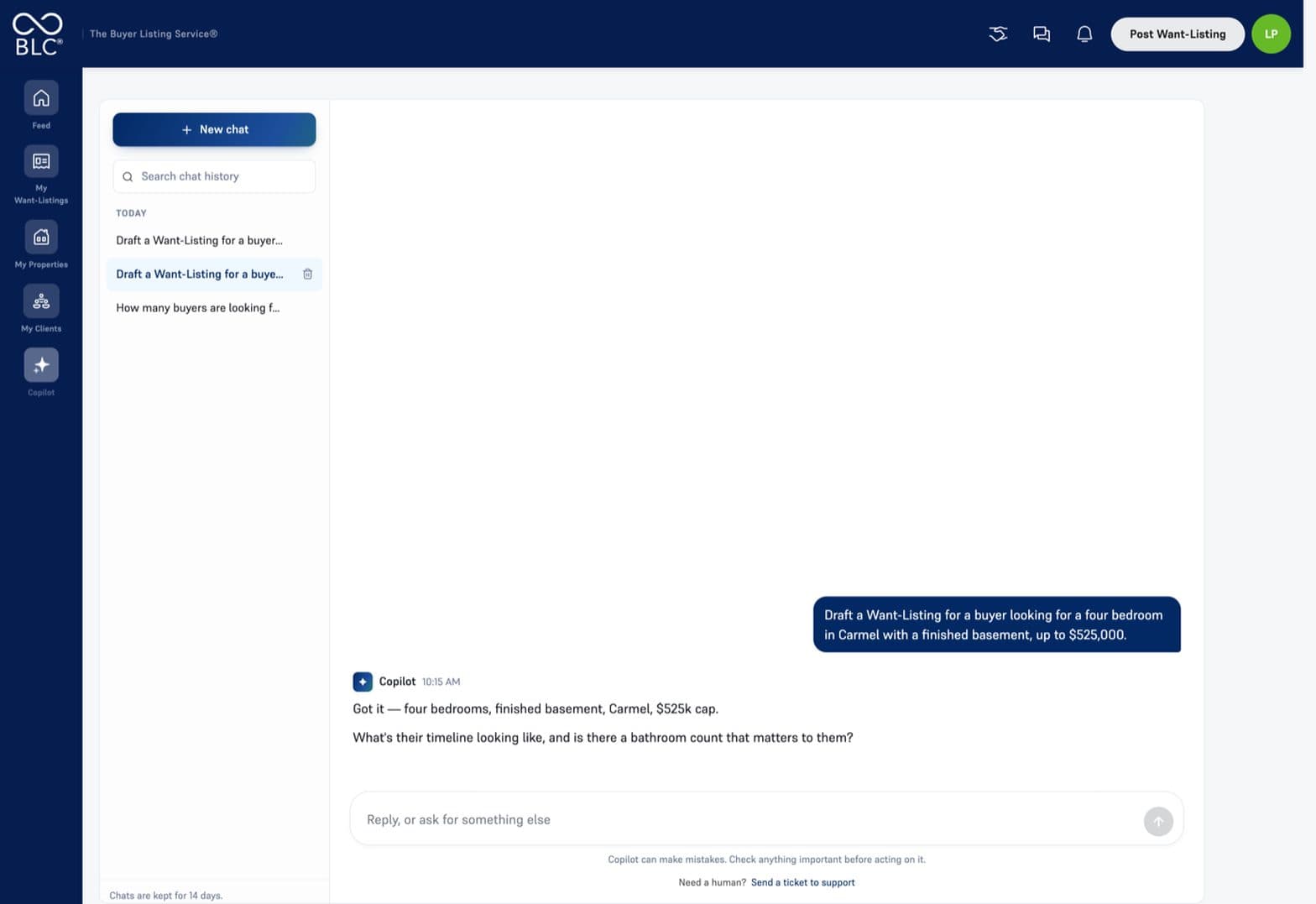
You can now set up a Want-Listing just by describing it.
Type what you are looking for - area, price, bedrooms, must-haves, timeline - and the copilot fills the Want-Listing in, asking only for what is missing. It works from your own Want-Listings and properties.
Setting one up is only where it starts. You can also ask it about your property matches and insights, or for help finding your way around the platform.
MLS admin dashboard
Your MLS now has its own view of the board: members, the Want-Listings and properties they have posted, and the introductions between them. It is how staff answer a question about your account without needing to ask you for a password.
MLS staff get access with this release.
Screenshots come from a demonstration environment with sample properties, sample Want-Listings, and fictional agents and brokerages. Figures are illustrative, not live market data.